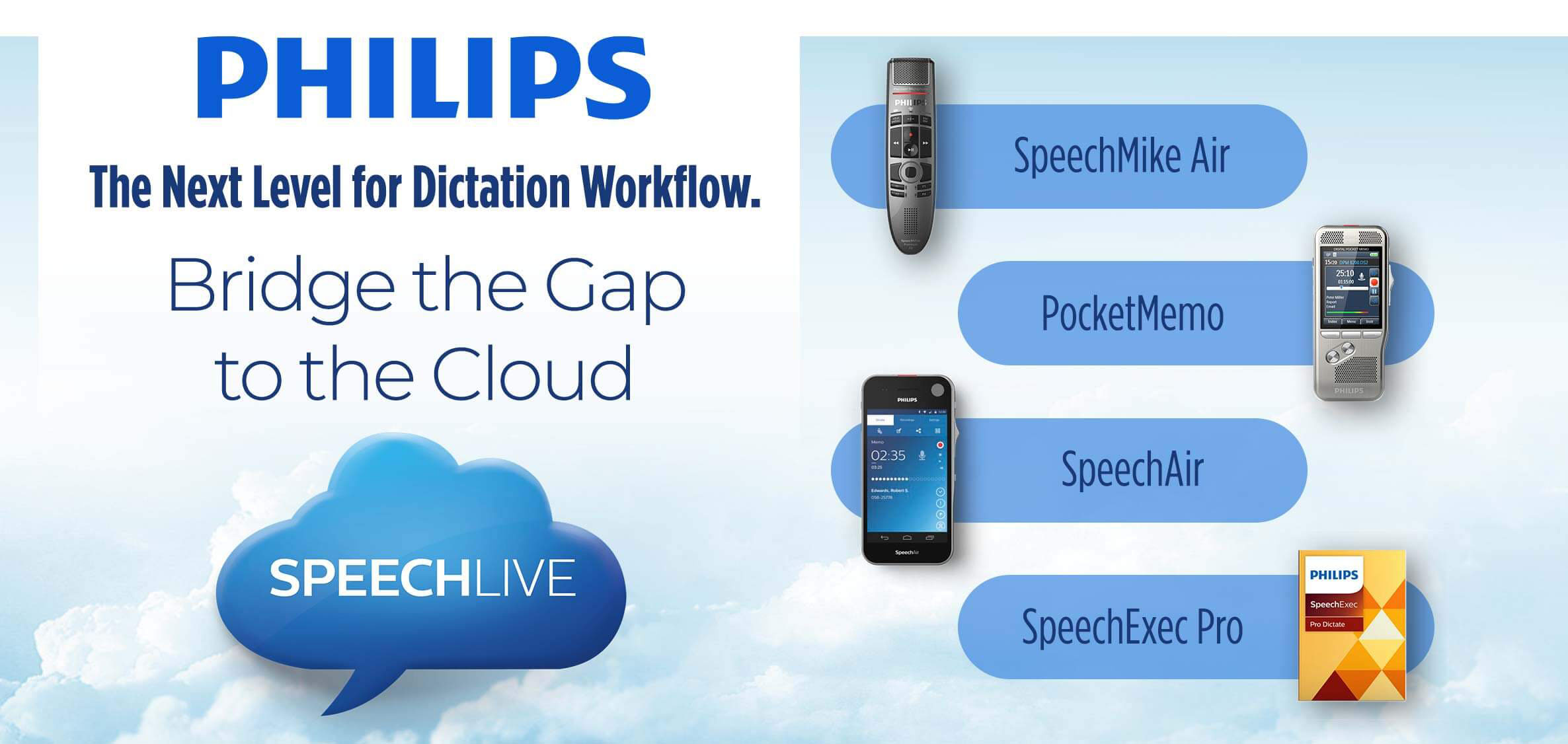
The next level for dictation workflow. Philips SpeechLive

Philips SpeechLive is a New & Effective Way of Working

Step 1

Record your voice.

Record your voice
Step 2

Transcribe.

Transcribe
Step 3

Receive the text file.

Receive the text file

Be Productive on the Go!

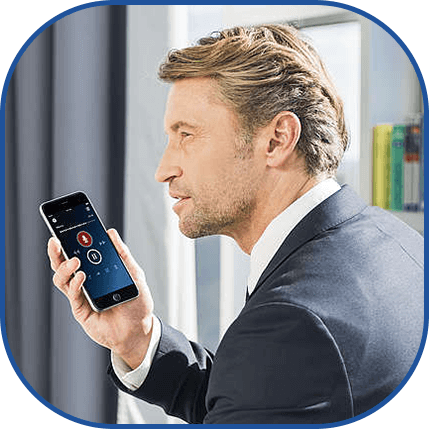
The Philips dictation recorder app is part of each SpeechLive subscription. The app is designed to work seamlessly with the SpeechLive dictation workflow solution. Record, edit, and send dictation files directly from your smartphone and reduce document turnaround times. You can even send dictations directly to the transcription service to maximize your productivity.

Which SpeechLive is right for you?

Every option runs on the same SpeechLive cloud platform. The AI Assistants add document drafting, or clinical notes for healthcare, on top of it.

SpeechLive Dictation & Transcription

Any team that dictates

Record anywhere, route dictations to your typists or to speech recognition, and receive the finished text.

Start a free trial →

SpeechLive Professional AI Assistant

Insurance, engineering, construction, finance, education

Turns your dictation and supporting files into a structured business document draft in your own template.

Explore Professional AI →

SpeechLive Legal AI Assistant

Attorneys and legal teams

The same drafting workflow with a legal-specific speech model and legal document templates.

Explore Legal AI →

SpeechLive Health AI Assistant

Physicians, specialists and healthcare teams

Ambient clinical documentation: a healthcare-trained AI turns the patient conversation into a structured clinical note for your review.

Explore Health AI →

Speech to text. Everywhere.

Instant transcripts

Convert your words to transcripts automatically using speech recognition.

Up to 7× faster than typing

Save time by speaking instead of typing.

Real-time or file upload

Transcribe as you speak, or upload audio files for automated transcription.

Desktop app

Press the record button, click anywhere you want to type, and start speaking. SpeechLive converts your voice to text in real time in any software.

Smartphone

Use the SpeechLive app to convert your voice to text while you speak, or send recorded files to automated speech recognition.

Portable recorders

Dictate with a traditional voice recorder, upload the recording to SpeechLive, and your transcript will be ready in no time.

Ready to take your dictation workflow to the cloud?

Free 7-Day Trial
 

How You Can Benefit from SpeechLive

Cloud dictation and transcription that works wherever you do.
SpeechLive central administration

Central administration

Easily manage your team. Add and remove users, define authors and typists, and control job assignment and routing rules from anywhere in the world.

SpeechLive excellent scalability

Excellent scalability

Work alone, in small teams, or across large enterprises. Flexible subscriptions let you adjust the number of SpeechLive users at any time.
SpeechLive high security standards

High security standards

Protect sensitive information. SpeechLive uses ISO 27001-certified Microsoft Azure hosting services, with HTTPS, automatic double encryption in real time, and server mirroring.
SpeechLive remote working with browser-based access

Remote working with browser-based access

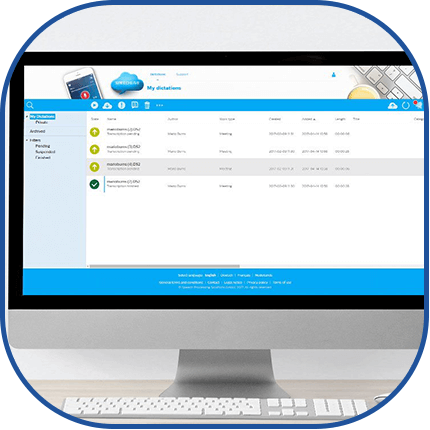
Access and manage your dictations through your browser, anywhere, anytime. Even without internet access you can keep working in local mode and synchronize when you are back online.
SpeechLive backup and restore for data safety

Backup & restore for data safety

The automatic backup function protects your files against accidental loss, even if your computer crashes, your connection drops, or you erase something by mistake.
SpeechLive dictate anywhere, on any device

Dictate anywhere, on any device

Use the Philips voice recorder app on your smartphone. SpeechLive also works seamlessly with Philips Pocket Memo recorders and SpeechMike microphones, and supports mixed environments with limited SpeechLive access.